A specialist website by Oxford Industrial Automation

UK robot & vision integration · 01865 416830

Image acquisition

Industrial camera systems for robot vision

Select the camera, lens, field of view, resolution, trigger and enclosure around the feature that must be seen. Camera specification follows the inspection or guidance requirement—not megapixels alone.

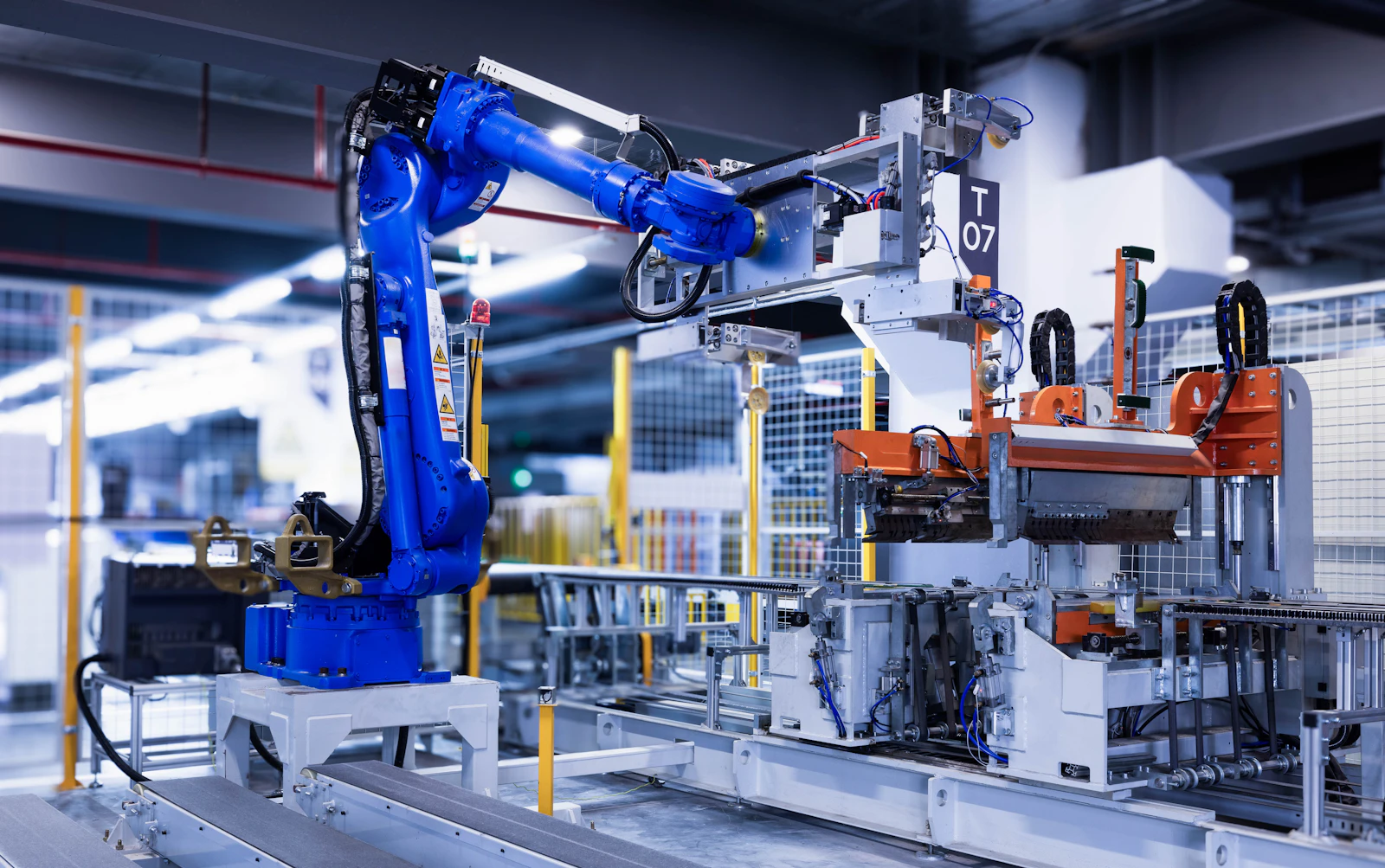
A blue industrial robot arm beside a production fixture.
2D visionPosition, angle, pattern, colour, code and contrast
3D visionHeight, shape, pose, volume and depth variation
MountingFixed-mount, eye-in-hand robot or multi-camera arrangements

Direct answer

When should a camera be fixed or mounted on the robot?

A fixed camera often suits a stable repeated scene and can capture independently of robot movement. An eye-in-hand camera can reach several viewpoints or inspect a larger work area. Cycle time, lighting, calibration, cable routing and maintenance determine the better arrangement.

01 / Engineering focus

Optics define what the sensor can resolve

Field of view, working distance, feature size and depth of field determine the useful image scale. We calculate the required pixel resolution and select optics around the smallest meaningful feature.

  • Area-scan, line-scan and smart-camera options
  • Monochrome or colour imaging
  • Global-shutter capture for moving products
  • Telecentric and conventional lens options
  • IP-rated housings and protective windows where required
02 / Engineering focus

2D or 3D is an application decision

2D vision is often the most direct route when the relevant feature lies in a controlled plane. 3D can add value when height, pose, overlap or variable presentation is central to the task.

  • Laser profile, stereo and time-of-flight assessment
  • Eye-in-hand robot-mounted viewpoint for complex geometry
  • Multi-camera coverage of hidden or opposing features
  • Calibration and coordinate transformation

System sequence

Engineer the complete decision loop.

Every stage is tested against the product, timing, interfaces and agreed response.

01

Feature

Define the smallest feature and acceptable variation.

02

Geometry

Set field of view, distance, angle and depth range.

03

Capture

Control motion blur, focus, exposure and triggering.

04

Calibrate

Relate image coordinates to the robot or line.

Typical applications

Where this capability can fit.

Final suitability and performance are confirmed only after review of the complete production application.

2D robot guidance
3D pose estimation
Code and text reading
Dimensional measurement
Multi-camera inspection
Robot-mounted vision

Application questions

What manufacturers ask.

These answers provide a starting point. Product trials and line data determine the project specification.

Do all robot vision applications need a 3D camera?

No. Many conveyor and planar applications are solved more simply with calibrated 2D vision. 3D is considered where depth, random pose, overlap or height variation makes it useful.

Can the camera be mounted on the robot?

Yes. Eye-in-hand vision can inspect from several viewpoints or refine a final approach. Cable routing, robot motion, calibration and cycle-time impact must be engineered.

How much resolution is required?

Resolution is derived from the field of view and the smallest feature or positional change that must be detected, with an appropriate engineering margin.

Start with the production task

Show us what the system needs to see and move.

Use the project brief form, or email product photos or video with the target output, current layout and required decision. We will define the next technical step.

Project brief