A specialist website by Oxford Industrial Automation

UK robot & vision integration · 01865 416830

Multi-view quality control

Robot inspection cells and multi-view vision systems

Support line-speed or indexed 100% inspection where agreed performance is proven, using several controlled viewpoints by moving the camera around the product or presenting the product to fixed sensors. Robot motion, optics, fixturing and acceptance criteria are engineered as one inspection cycle.

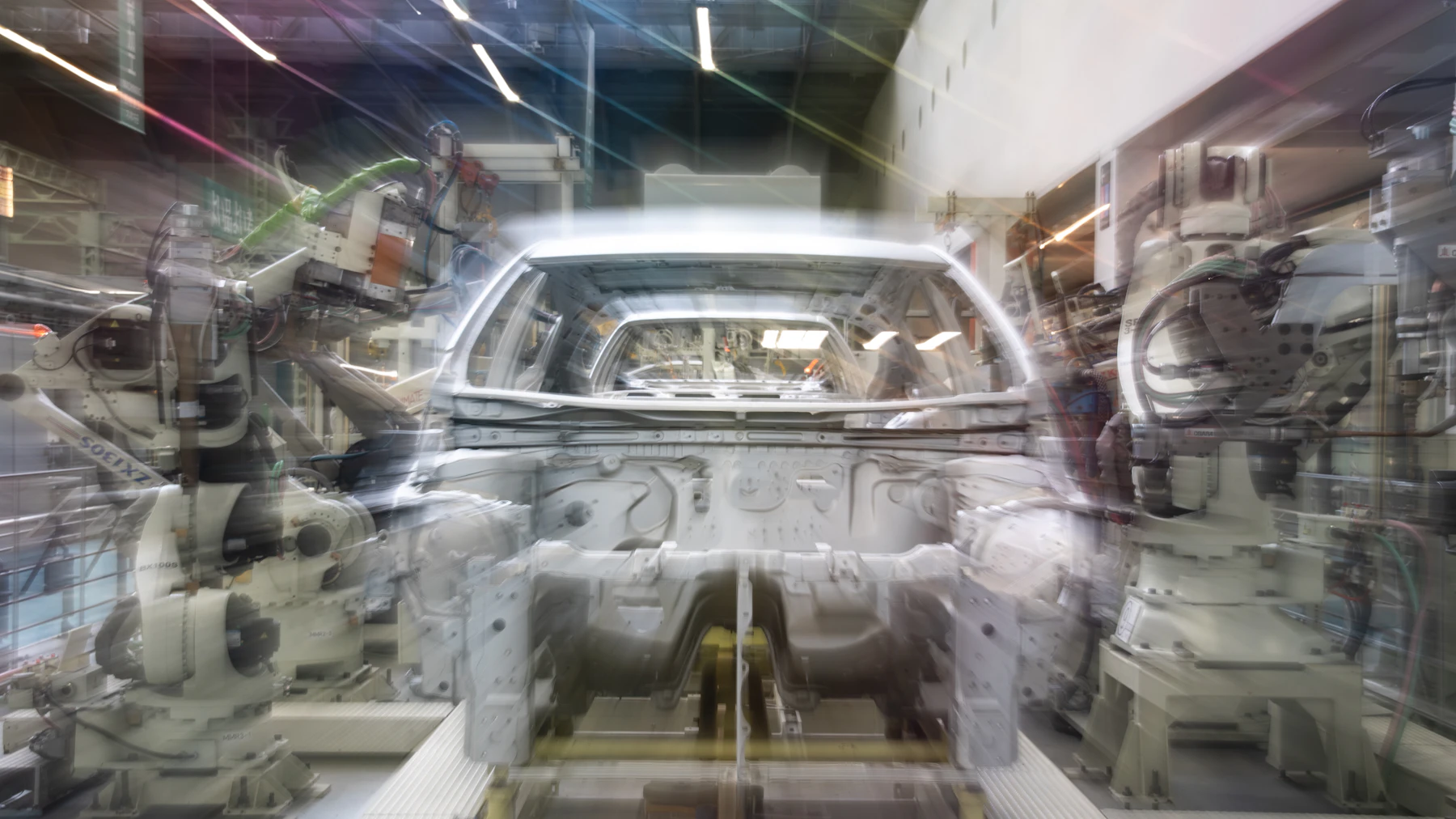
Industrial robot arms around an unfinished car body.
CoverageMultiple viewpoints
MotionRobot-controlled pose
ResultPass, fail and evidence

Direct answer

What is a robotic vision inspection cell?

A robotic inspection cell uses programmed robot motion to present a product or camera at repeatable viewpoints. It can inspect several faces, internal features or changing focus distances without building a separate fixed camera station for every view.

01 / Inspection strategy

Choose what moves and what remains fixed

The robot can carry the camera, carry the product or move a tool between fixed inspection stations. The choice affects cycle time, cable routing, calibration, focus, lighting control and the ability to isolate vibration.

  • Eye-in-hand robot-mounted camera inspection
  • Robot-presented product inspection
  • Fixed-mount camera and multi-sensor stations
  • Combined vision, laser and measurement sensors
02 / Acceptance

Make every view part of one product result

Individual inspections are combined into a controlled product decision. The system manages recipe selection, incomplete sequences, repeat inspections and the physical segregation of non-conforming parts.

  • Feature-by-feature inspection plan
  • Product identity, inspection data and selected image association
  • Incomplete-cycle and retry logic
  • Pass, fail and review destinations

Decision to action

Engineer the complete production loop.

Each stage is designed against representative products, real timing and the required physical outcome.

01

Present

Control the product pose or camera viewpoint.

02

Inspect

Apply the correct optical or measurement tool.

03

Combine

Build one result from every required view.

04

Route

Move the product to pass, fail or review.

Application opportunities

Where this capability can fit.

Final suitability follows from the product, presentation, rate, environment and acceptance criteria.

Multi-face component inspection
Assembly verification
Surface and cosmetic checks
Dimensional feature inspection
Internal or hard-to-access views
Final quality-control cells

Questions manufacturers ask

Robot inspection cell questions.

Use these answers to frame the first application review and the evidence needed next.

Should the robot carry the camera or the product?

Either can work. Camera mass, product handling, lighting, cable routing, required views and cycle time determine the better arrangement.

Can one cell inspect several product variants?

Often, using recipes, controlled presentation and suitable field-of-view or focus arrangements. The full format range should be reviewed during concept development.

Can inspection images be saved?

Yes where records are required, subject to the chosen architecture, storage period, traceability key and data interfaces. These requirements should be defined before final specification.

Can the robot re-present a failed feature for another view?

Yes when the acceptance strategy allows it. Retry limits and the final treatment of uncertain products must be clearly defined to avoid uncontrolled loops.

Start with the production task

Show us what the system needs to see and move.

Use the project brief form, or email product photos or video with the target output, current layout and required decision. We will define the next technical step.

Project brief